



College can be a lot of fun, but it can also be overwhelming. Between challenging new classes, unfamiliar living arrangements, and trying to figure out what to do after you graduate, it’s easy for things to feel out of control.
Wouldn’t it be great if there were an app to make college easier and reduce that overwhelming feeling? Well, there isn’t just one app, but there are quite a few that can help.
In this article, we’re going to take a look at the best apps for college students. Whether you’re looking for an app to help you stay focused while studying or a tool to split the utility bill with your roommates, you’ll find it (and so much more) in this guide.
Study Apps
Let’s start with, well, the reason you’re in college. These apps will help with everything from solving that stubborn math equation to ensuring that your essays are free of errors.
Chegg Study
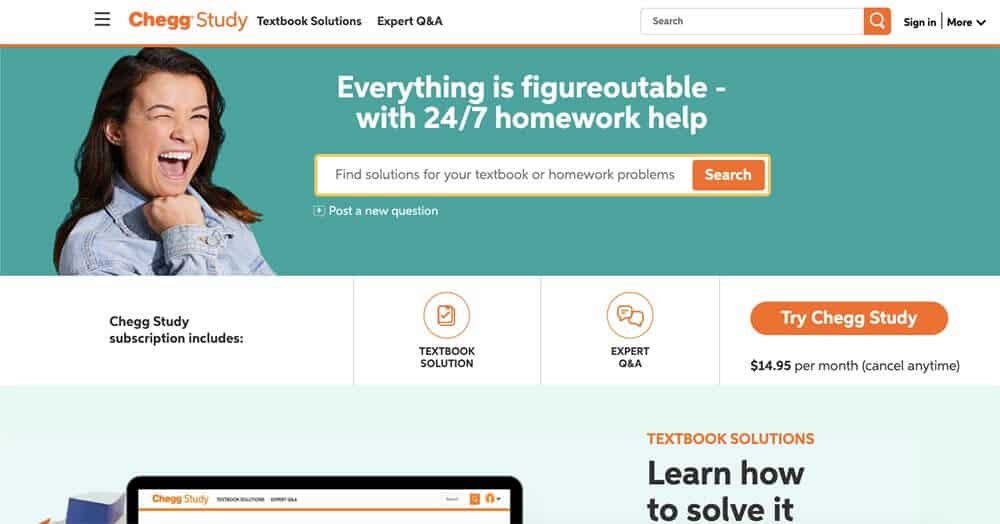
Professors’ office hours are great for getting help with homework, but most professors don’t have time to walk you through the solutions to a bunch of problems. This is where Chegg Study comes in.
They offer 24/7 homework help, including step-by-step solutions to thousands of textbook problems and guided video walkthroughs. And if they don’t already have the answer to your question, you can take a picture of it and get help from one of Chegg’s experts.
Wolfram Alpha
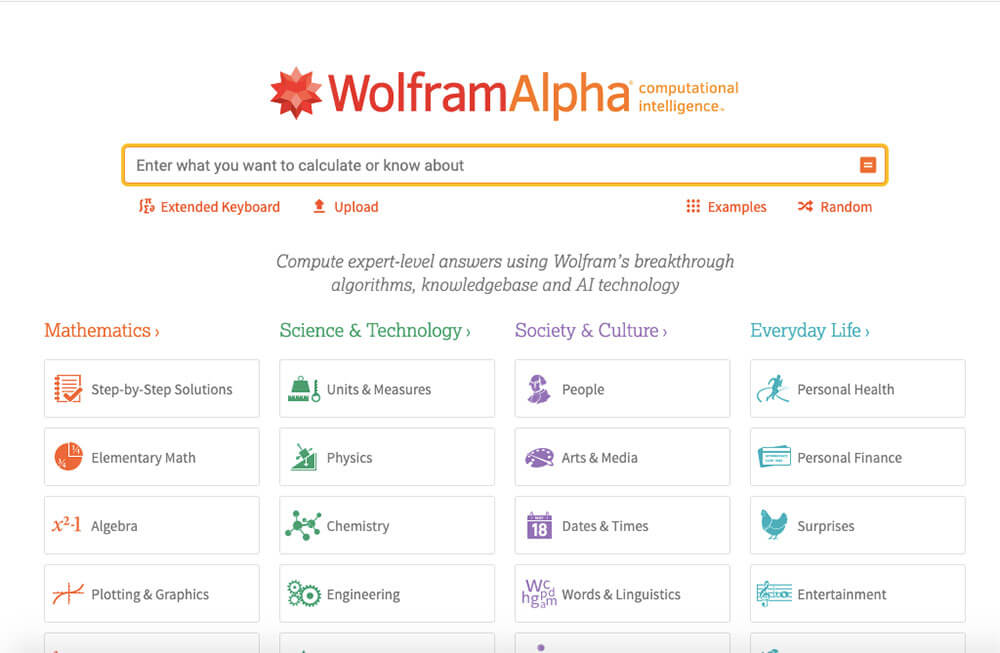
Need to look up a formula or get an answer to just about any factual question? Then Wolfram Alpha is the tool you need.
It’s great for checking answers on homework problems, and the Pro version allows you to see step-by-step solutions to almost any question you can think of. Just make sure you don’t use it to replace the hard (and necessary) work of understanding the material.
Anki
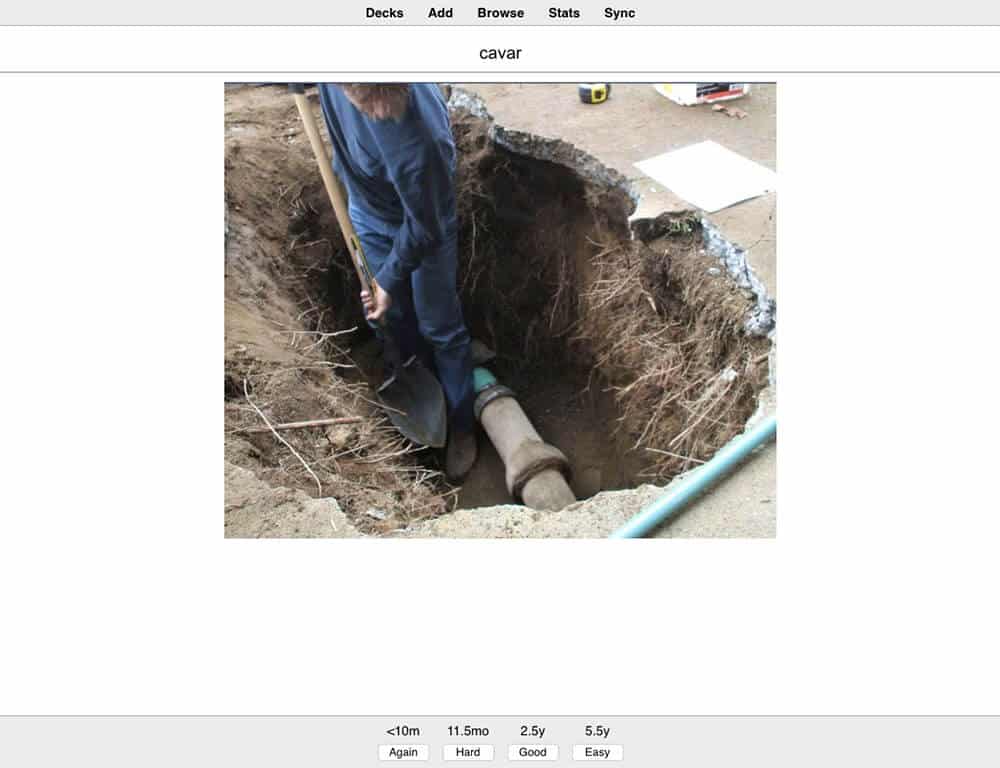
Flashcards are some of the best tools for memorizing large amounts of information. Traditional paper flashcards, however, have some disadvantages. They’re easy to lose, and they can be difficult to manage once you have more than a few dozen.
Anki solves both of these problems. It’s a digital flashcard tool that not only helps you learn information but also uses spaced repetition to ensure that you retain what you’re studying.
You don’t have to remember when to study a flashcard; Anki will automatically show it to you just as you’re about to forget the information. It’s a lifesaver for learning foreign language vocabulary, formulas, or historical dates.
Google Docs
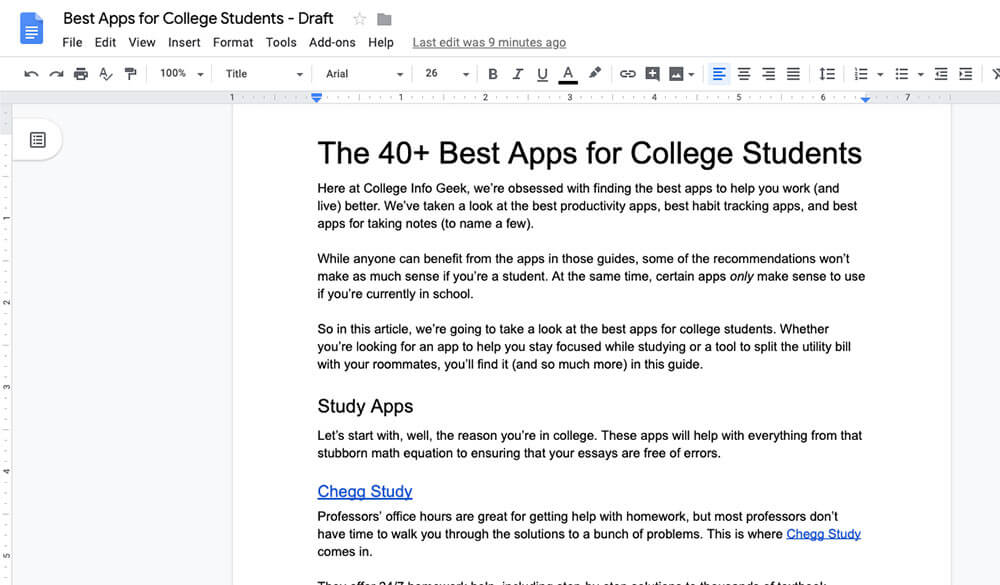
If you’re still using Microsoft Word to write papers, then Google Docs will be a delightful change. It strips away all of the unnecessary junk in Word and leaves you with only the writing tools you need.
Plus, it automatically backs up your work to the cloud so that you can access it from anywhere and never worry about your final paper getting lost.
Grammarly
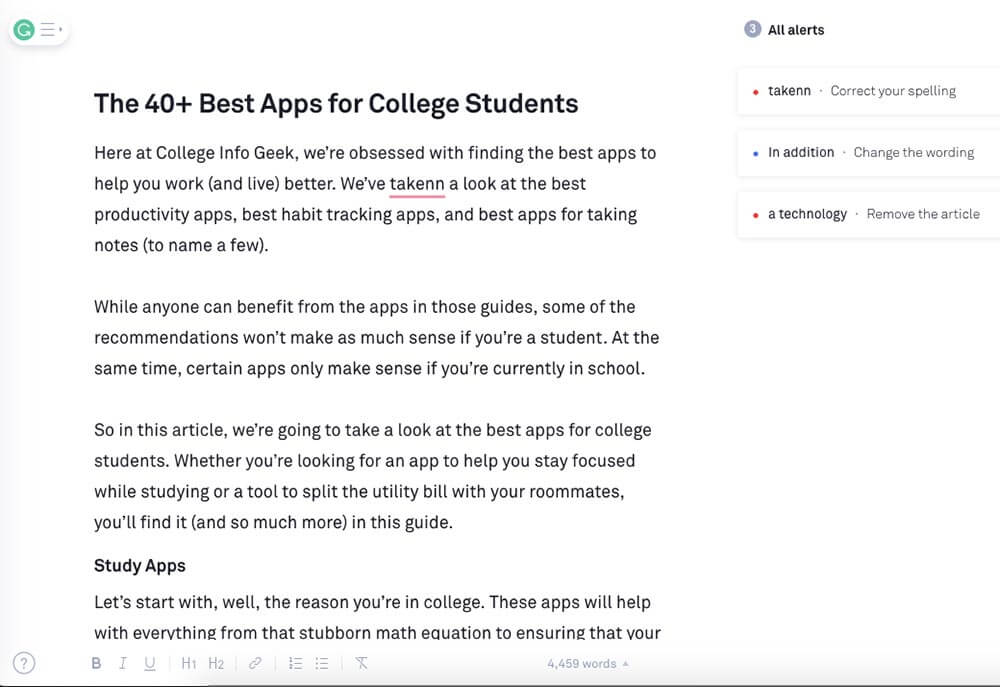
English grammar and spelling are a mess. Even if you’ve been speaking and writing the language your whole life, it’s still easy to spell a word wrong (not to mention make a typo). While you can catch most mistakes by carefully proofreading your work, that process is time-consuming.
To catch more errors more quickly, you can use Grammarly. It automatically checks your work for common grammar, spelling, and usage errors. When it finds an error, it highlights it and even explains what you should write instead. It’s not perfect, but it’s lightyears better than the built-in spelling/grammar checker in any word processor.
Coggle
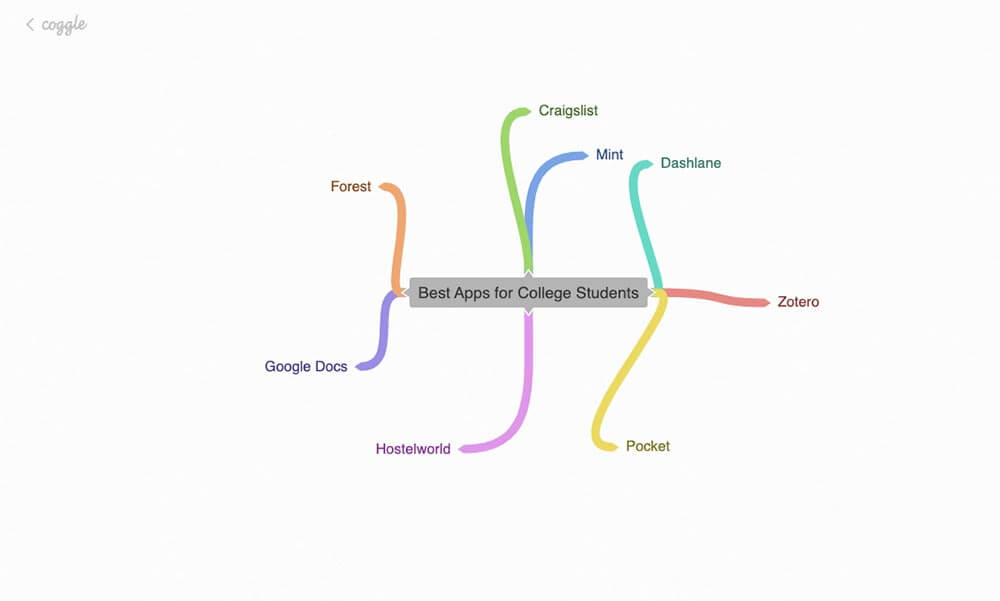
Sometimes, it’s much easier to understand a concept if you draw it out. Coggle takes this concept into the digital realm, letting you produce “mind maps” and flow charts on any topic you want.
We love using Coggle to brainstorm ideas for articles and videos, but you could also use it to break down anatomical systems, chemical processes, or any other complex topic you’re studying.
Zotero
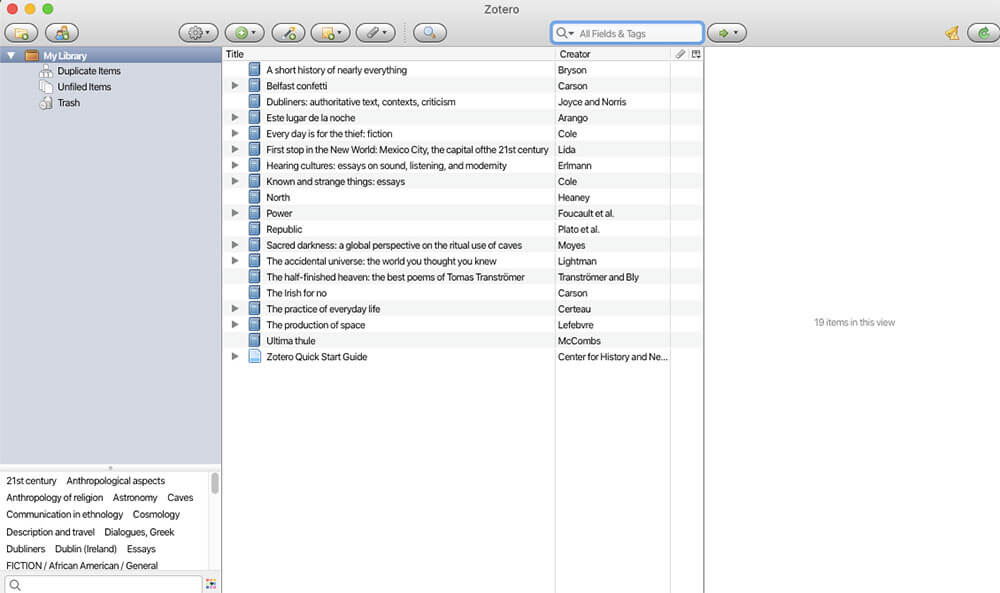
As you become more advanced in your studies, you’ll probably have to write a research paper, thesis, or another long-form piece of academic writing. As your professors no doubt remind you, it’s essential to keep track of (and cite) all the sources you use.
If you’re using more than a few sources, however, it quickly becomes difficult to manage them. This is where Zotero comes in. The app keeps track of all your sources, from web pages to books. And when it’s time to turn your paper in, Zotero can automatically generate a bibliography in the format of your choosing.
TomatoTimer
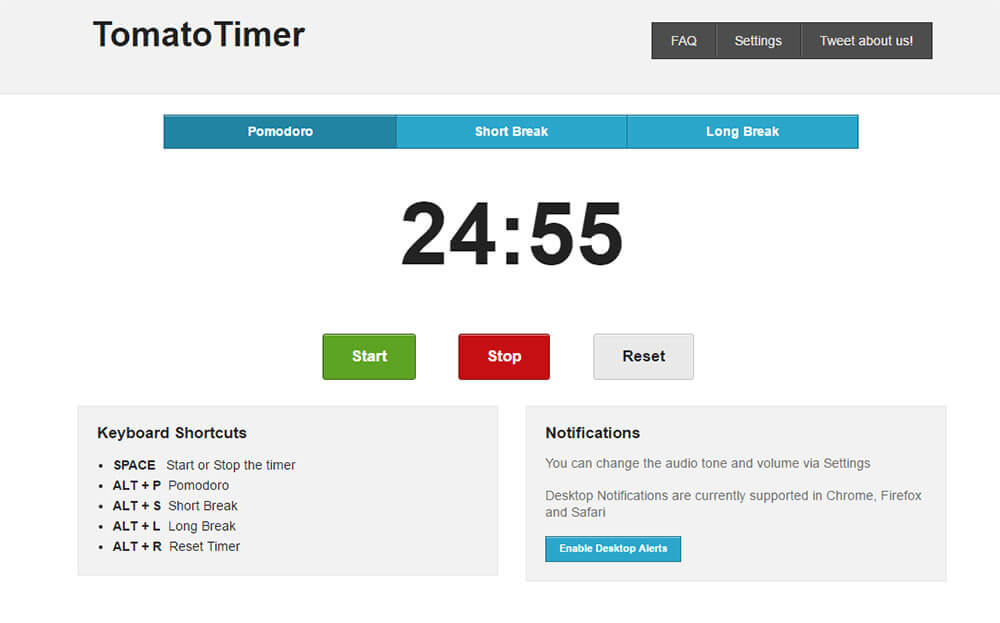
Ever find yourself unable to start a homework assignment? Procrastination is a powerful force, and the internet is a siren song that will pull you in every direction but your homework.
To overcome the inertia required to get started, we recommend the Pomodoro technique. All you do is set a timer for 25 minutes and focus on one task until the timer is up.
And to make the Pomodoro technique easier, you can use TomatoTimer. It’s the best Pomodoro timer we’ve found, and it’s sure to help you stop procrastinating and start working.
iTalki
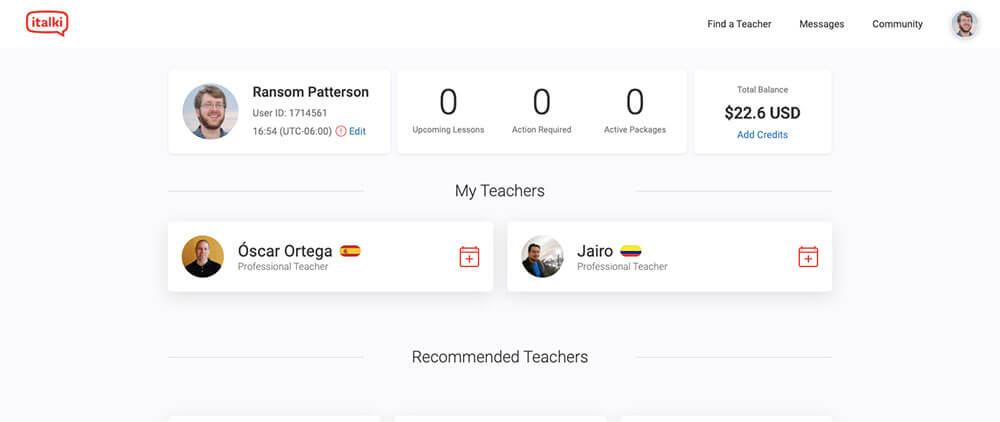
College language classes can be a great tool for learning how to read and write a foreign language, but they’re usually less than stellar at teaching you how to speak. If you’re serious about achieving conversational fluency in another language, then you need to spend time speaking the language, ideally with native speakers.
And thanks to iTalki, you don’t need to travel to a different country to do this. iTalki connects language students with teachers all across the world. For as little as $5 per lesson, you can get personalized instruction in almost any language out there.
Group Project Apps
Let’s not kid ourselves — group projects suck. With the right apps, however, you can make them suck a little less. Here are our favorite apps for keeping your group organized and productive.
Trello
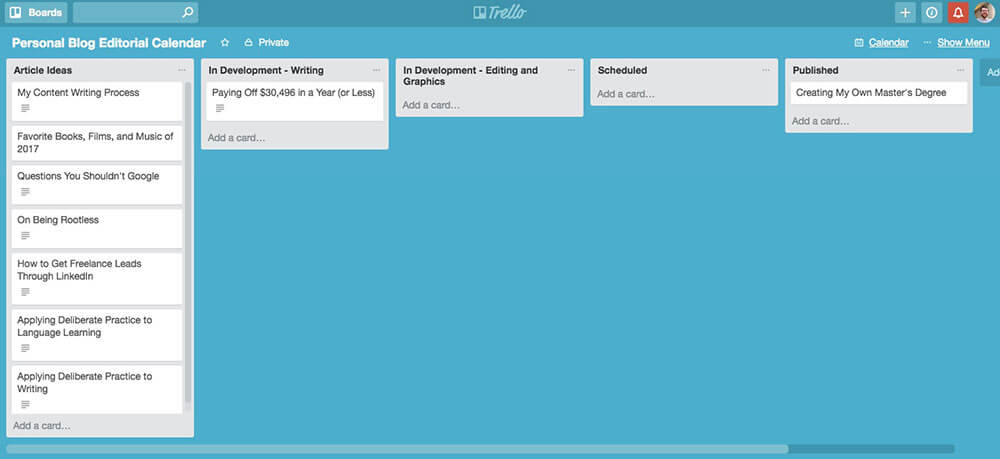
One of the worst parts about working on a group project is making sure that everyone does their share of the work.
Trello is a great tool for doing this. It lets you lay out all of the steps required for a project, assign them to the project members, and then track each person’s progress.
Sure, it won’t prevent people from being lazy, but it can at least make them more accountable.
Slack
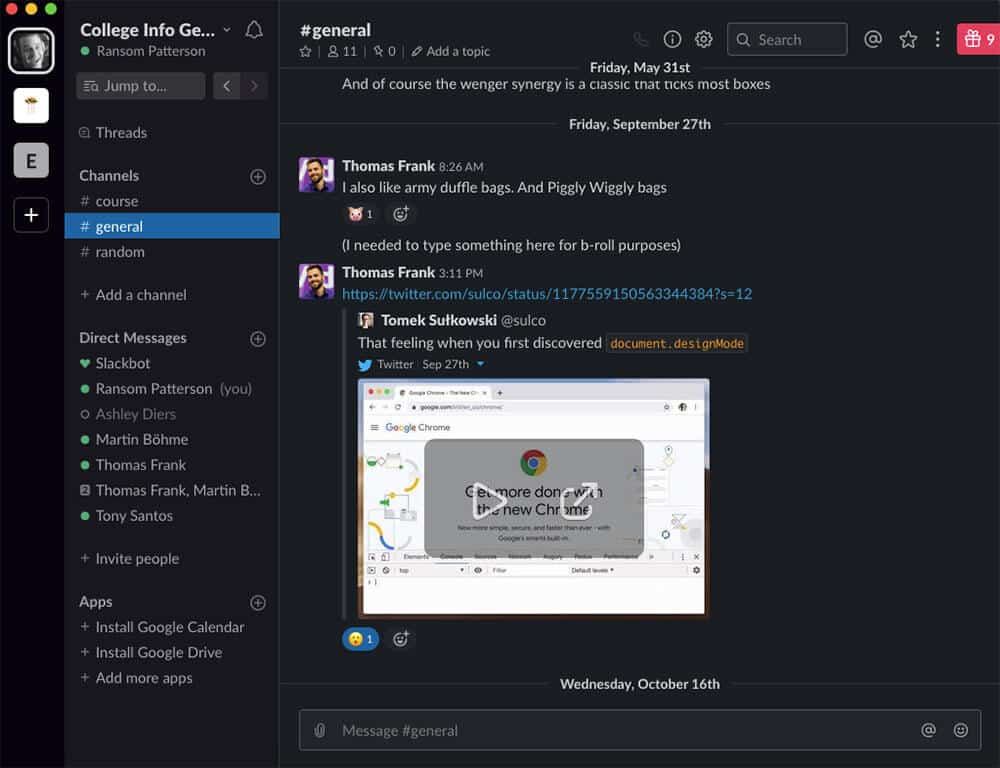
Using group messages to communicate about projects can quickly turn into a confusing mess. Plus, giving out your phone number to someone you barely know is less than ideal.
Instead, we recommend using Slack to communicate with your group project members. It keeps all of your messages in a centralized, searchable place. And it also lets you communicate without having to give out your phone number to someone you just met.
Doodle
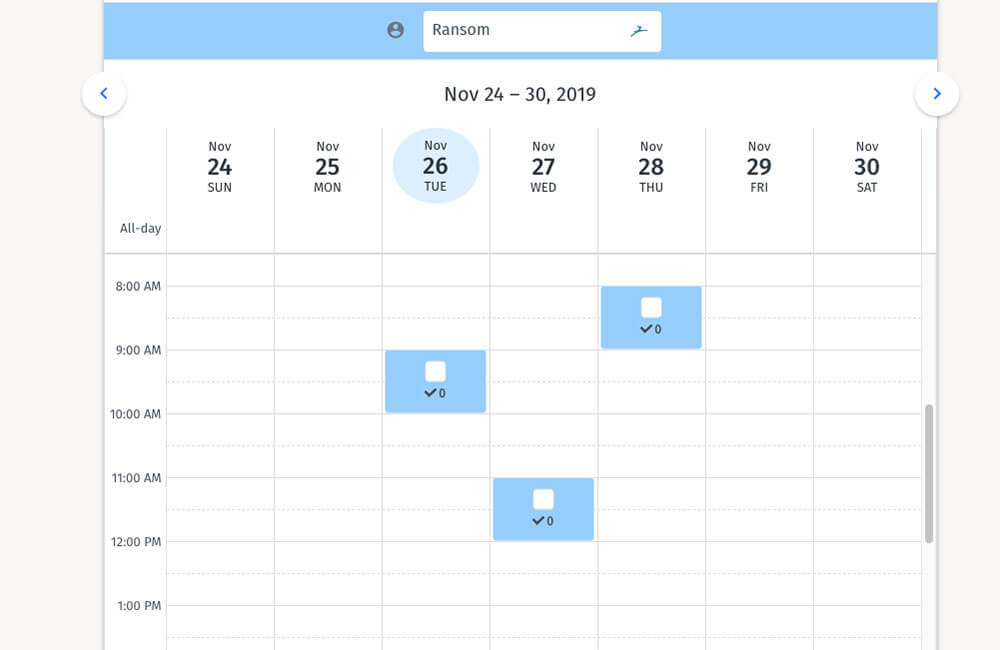
One of the most painful parts of organizing any group project is finding a time when everyone can meet. Instead of sending endless texts and emails, you can use Doodle.
Doodle lets everyone vote on the times that work best for them. While it won’t solve all of your scheduling woes, it will certainly reduce them.
Google Slides
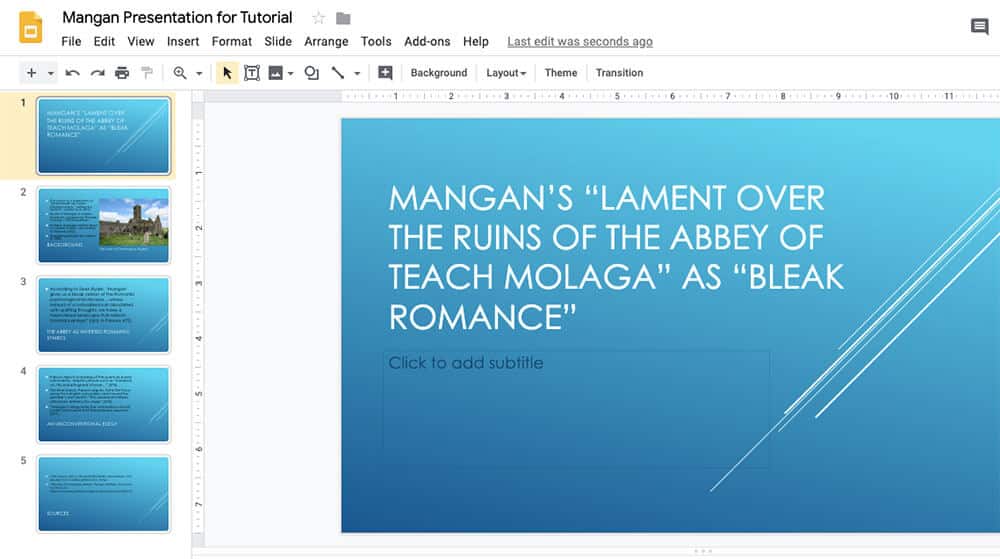
PowerPoint is an excellent tool for making presentations if you’re the only person working on a project. With a group, however, emailing PowerPoints back and forth gets messy.
This is why we prefer Google Slides for group presentations. Everyone can collaborate on the presentation, which hopefully ensures that each person will contribute something. Just be sure to have someone proofread the final version before you present it to the rest of the class.
Travel Apps
Classes and extracurriculars are great, but sometimes you need to get away and see the world that exists outside the campus bubble. These apps will make your travels easier and more fun.
Hostelworld
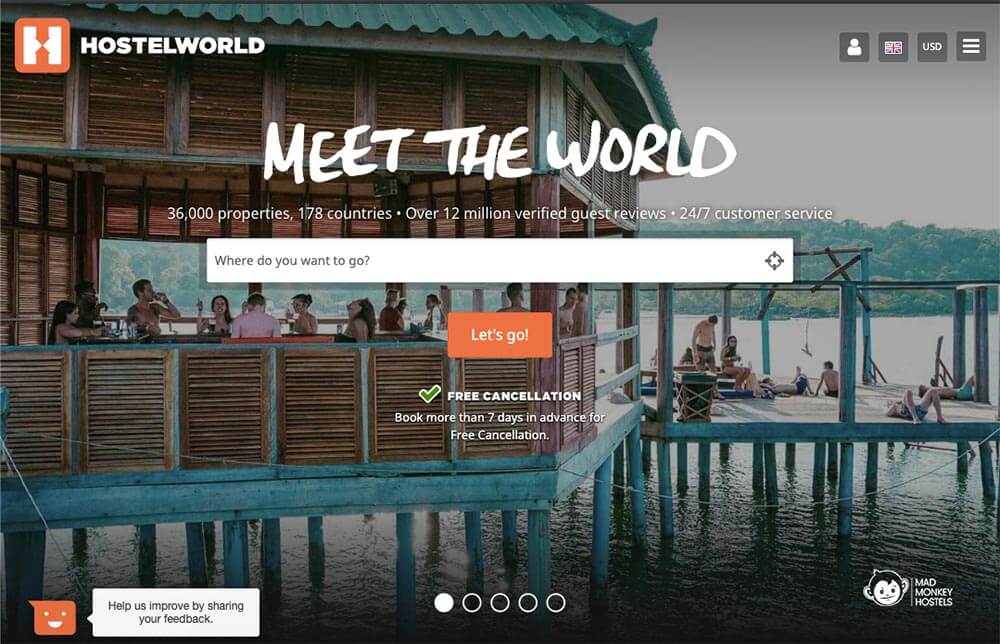
When you’re traveling on a student budget, hotels can feel like an impossibly expensive luxury. Luckily, you don’t need hotels to find a place to stay.
Instead, we recommend staying in a hostel. In exchange for sharing a room with a few other people, you can get super cheap accommodation and meet cool people from all over the world.
Our favorite place for finding and booking hostels is Hostelworld. Many hostels have outdated (or nonexistent) websites, so it’s great to have a tool that lets you compare prices, read reviews, and make bookings in one place.
Airbnb
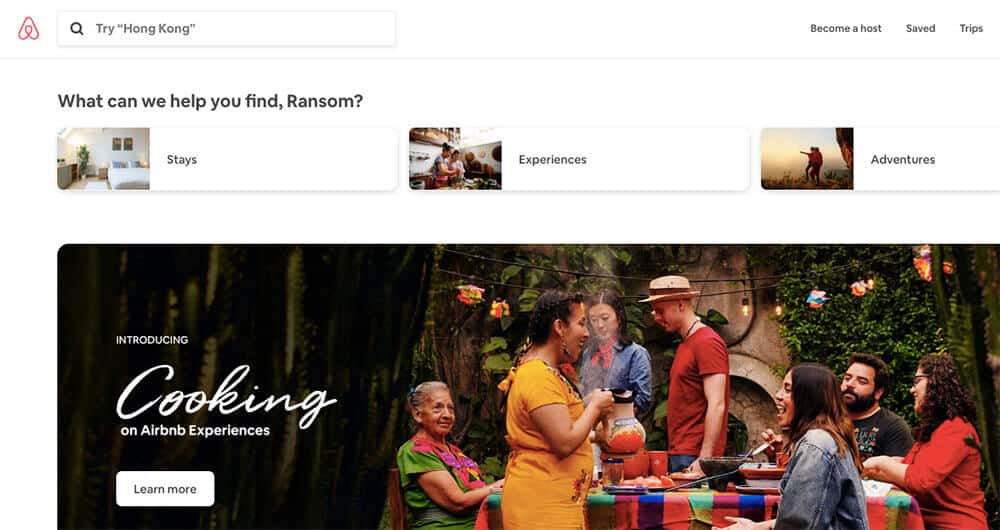
Hostels are fun, but they aren’t available everywhere. And if you’re traveling with a group, they may not provide enough space. In these cases, you should check out Airbnb. It’s a website that lets people rent out rooms or even entire houses.
The accommodations range from as basic as a futon to as elaborate as an entire villa. And there’s plenty of room in between for just about any budget. Plus, you can read reviews from previous travelers and even get local tips on the best places to visit during your stay.
Couchsurfing
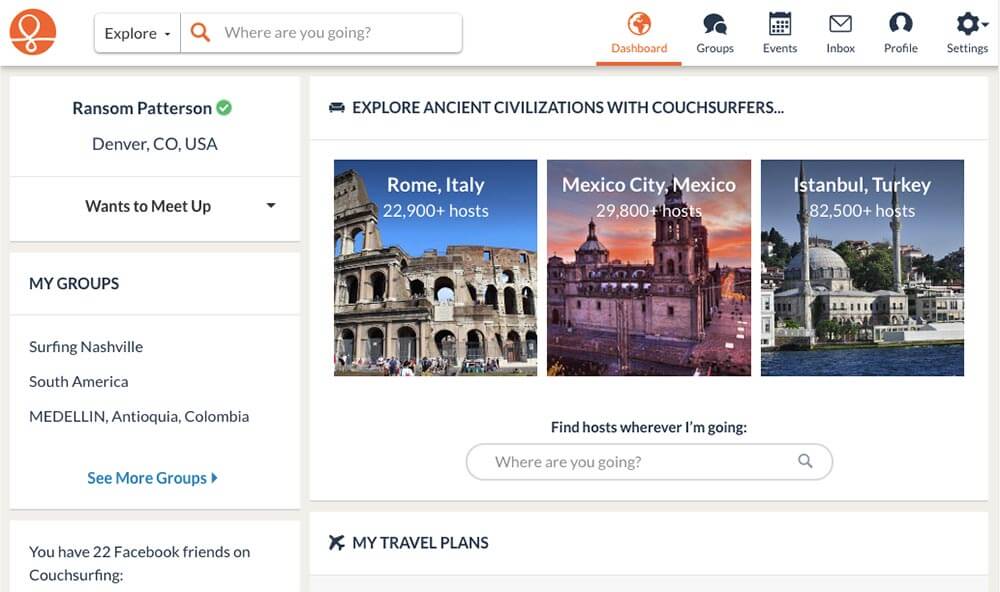
What do you do if you want to travel to a place, but you can only afford the flight? Find a free place to stay on Couchsurfing, of course!
Couchsurfing is a community of people across the world who work together to promote cultural exchange and provide free places for travelers to stay.
To get started, all you have to do is create a profile explaining who you are and that you’re not some crazed serial killer (more or less). You can then request to stay at the homes of other members of the site.
Couchsurfing is certainly best for adventurous travelers who don’t mind sleeping on a couch or floor. But if that describes you, it’s a great way to stay for free while also meeting cool people.
Google Flights
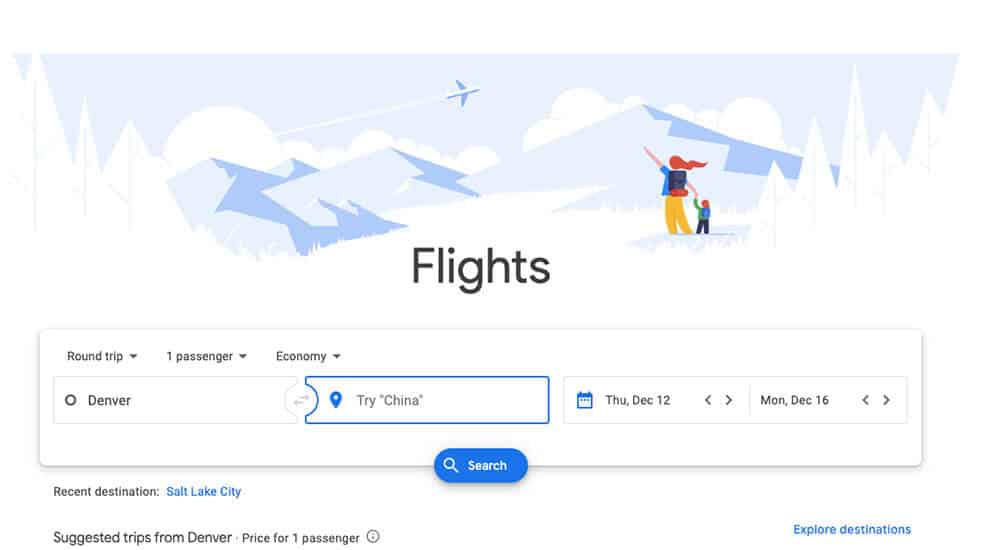
There are lots of flight search engines out there, but Google Flights is our favorite. It’s easy to use, comprehensive, and great for comparing prices across airlines and travel dates.
If you want to get the lowest price on a flight, Google Flights is the place to go. Just be aware that it doesn’t include flight information for certain budget airlines like Southwest (you’ll have to check those airlines’ websites directly).
Meetup
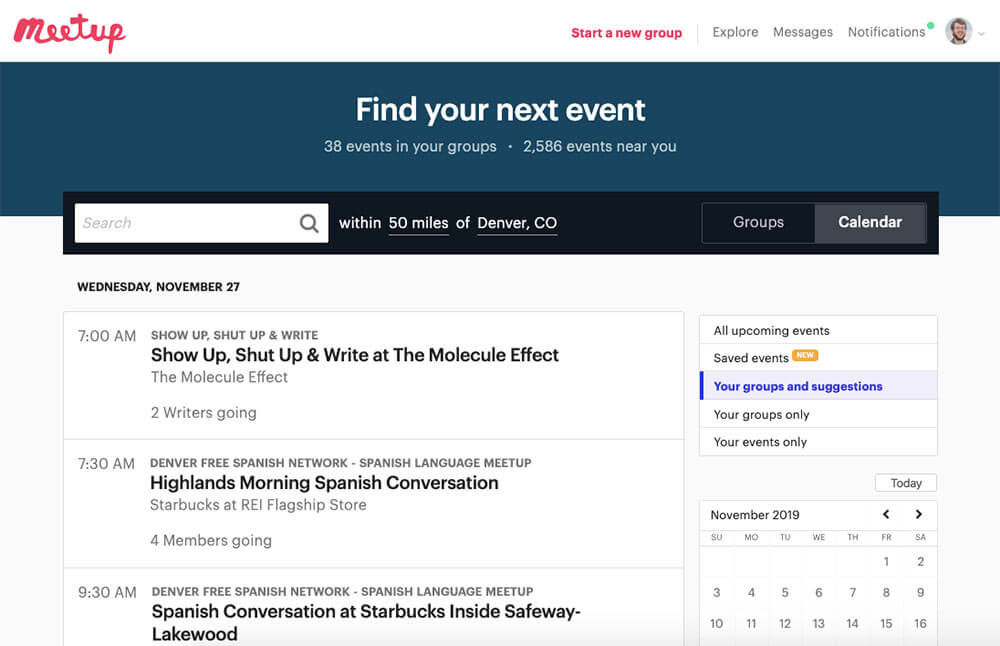
A lot of people think of Meetup as a tool for making friends in your local community. And while it is great for that, I’ve also found it useful for meeting people while traveling.
Meetup is available in most major cities around the world, and it allows you to connect with people at events based around a common interest. Whether you’re into mountain biking, tabletop games, or crocheting, there’s likely a Meetup event for you.
Life Apps
In this section, we’ve collected apps that will make your life easier. Whether you’re hunting for an apartment, trying to stay fit, or working to build better habits, you’ll find an app for it below.
Zillow
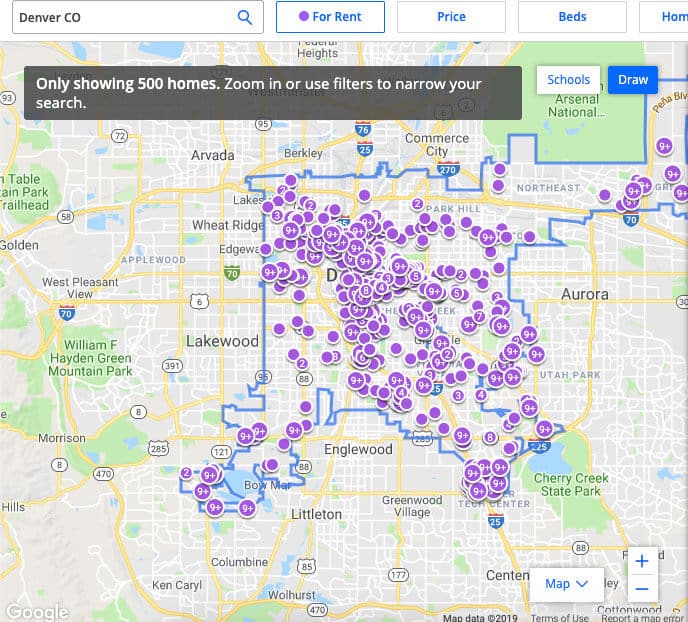
If you’re no longer a freshman, then there’s a good chance that your university will let you live off campus. If you decide to do this, you’ll need to find a place to live. While we encourage you to ask older classmates for recommendations, another great place to find apartments is Zillow.
Zillow makes it easy to search for an apartment that fits your budget, location, required number of bedrooms, and desired amenities. And in many cases, Zillow listings will even include contact information for the landlord or leasing manager.
For best results, we recommend starting with Zillow and then also searching Apartments.com to make sure you’re seeing as many listings as possible. Zillow has our favorite interface, but it doesn’t include every listing.
Looking for more information about how to find an apartment? Check out our guide to moving to a new city.
Craigslist
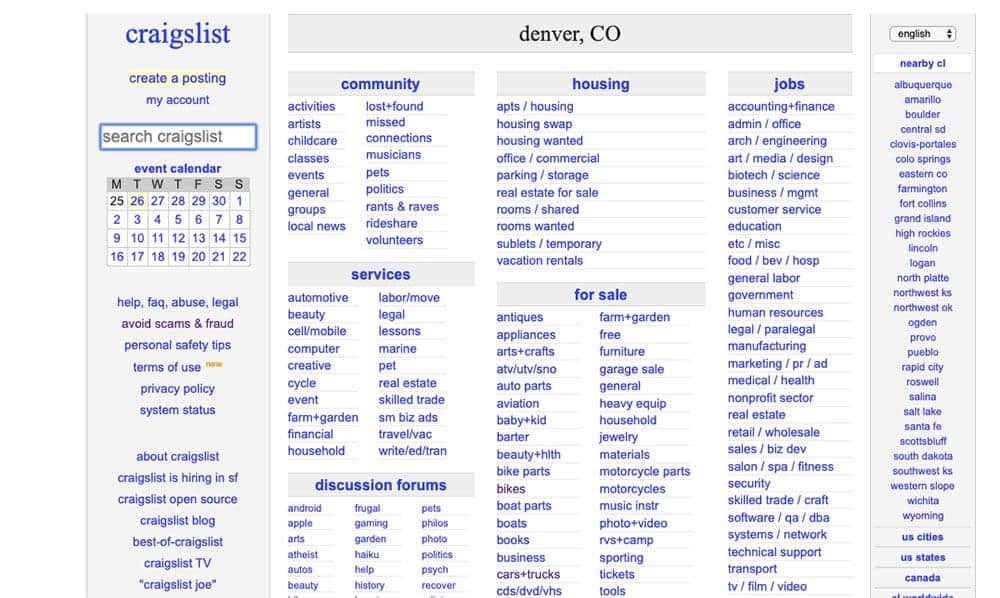
Odds are good you’ve at least heard of Craigslist, but I want to emphasize how useful it can be as a college student.
Need to sell or buy some furniture for your apartment? Use Craigslist.
Trying to find an apartment or house to share with friends? Plenty of local landlords list on Craigslist (just watch out for scams).
Pocket Casts
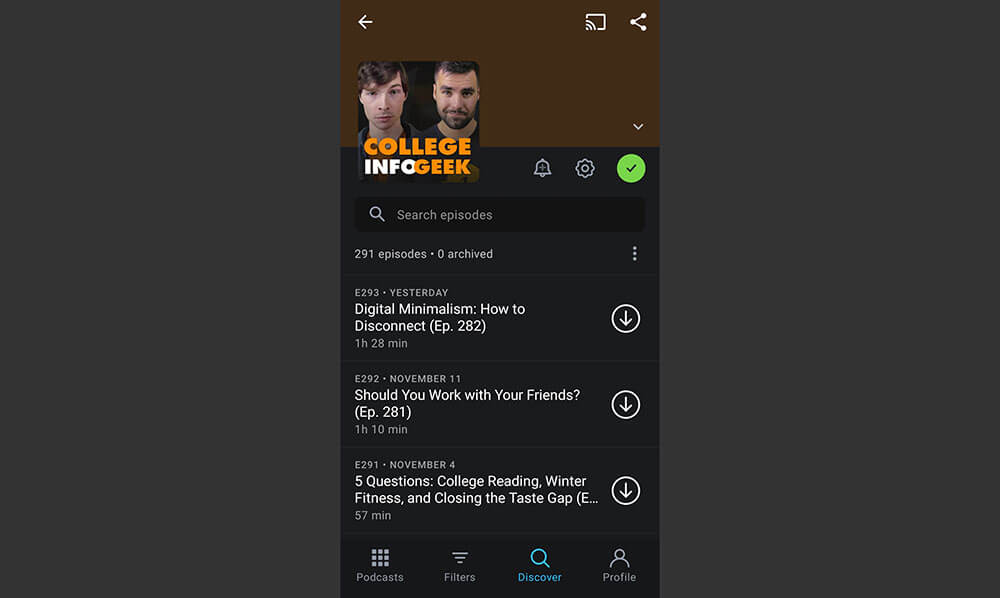
Podcasts are some of our favorite tools for learning and being entertained while commuting, washing the dishes, or exercising. While your phone likely has a built-in podcast app, we think Pocket Casts is a vastly superior alternative.
In addition to making it easy to keep track of your shows, Pocket Casts also automatically trims out brief moments of silence, dramatically increasing the number of shows you can listen to (without affecting the listening experience).
Looking for new podcasts? Here’s a list of our favorites.
Habitica
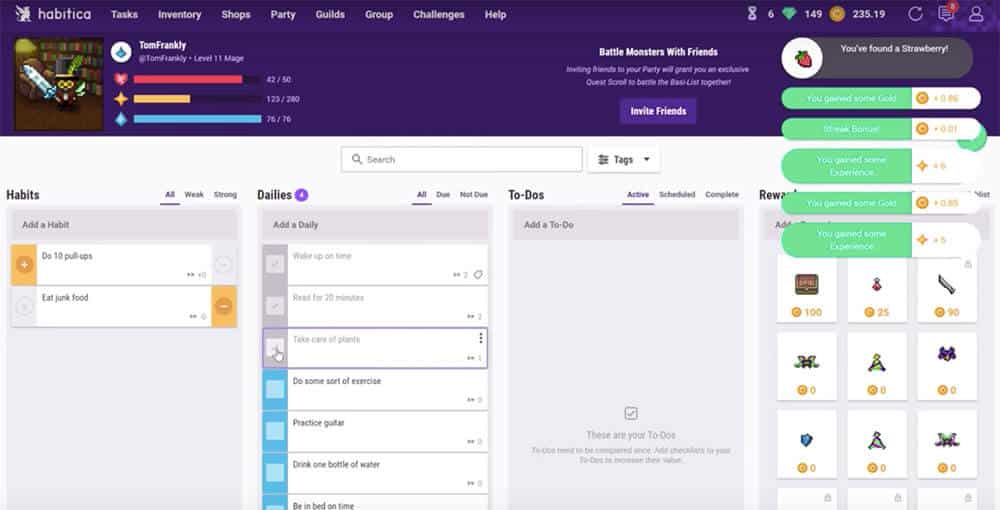
The right habits are the building blocks of a happy, healthy, fulfilling life. But forming good habits (and breaking bad ones) can be a challenge when you’re also juggling classes, homework, extracurriculars, and a part-time job.
For this reason, we like to use habit tracking apps to keep ourselves accountable. Habitica is our favorite habit tracking app by far. It turns habit-building into an RPG, letting you level up and customize a character as your habits strengthen. And best of all, Habitica lets you form parties with other users for an extra dose of accountability.
Beeminder
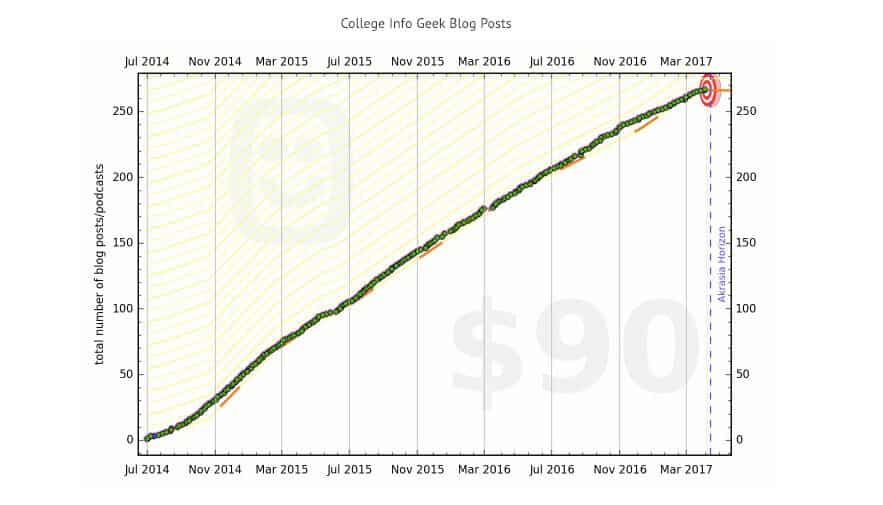
Have you ever wanted to accomplish something but struggled to make it a reality? There are many reasons people don’t accomplish their goals, but often it’s simply a lack of accountability. Beeminder solves this problem through the ultimate form of accountability: money.
All you do is tell Beeminder what you want to accomplish and how you plan to track it. The goal can be anything from doing a certain number of push-ups each day to practicing a new skill for a certain number of hours. And the tracking method can range from data logged on your smartwatch to tasks completed in Todoist. If you can quantify it, Beeminder can track it.
As long as you’re logging data for your goal, nothing will happen. But if you fail to log data, then Beeminder will charge you money. It starts at $5 and then increases exponentially, so it’s a pretty sure-fire way to stay on track even when you don’t feel like it.
7 Minute Workout
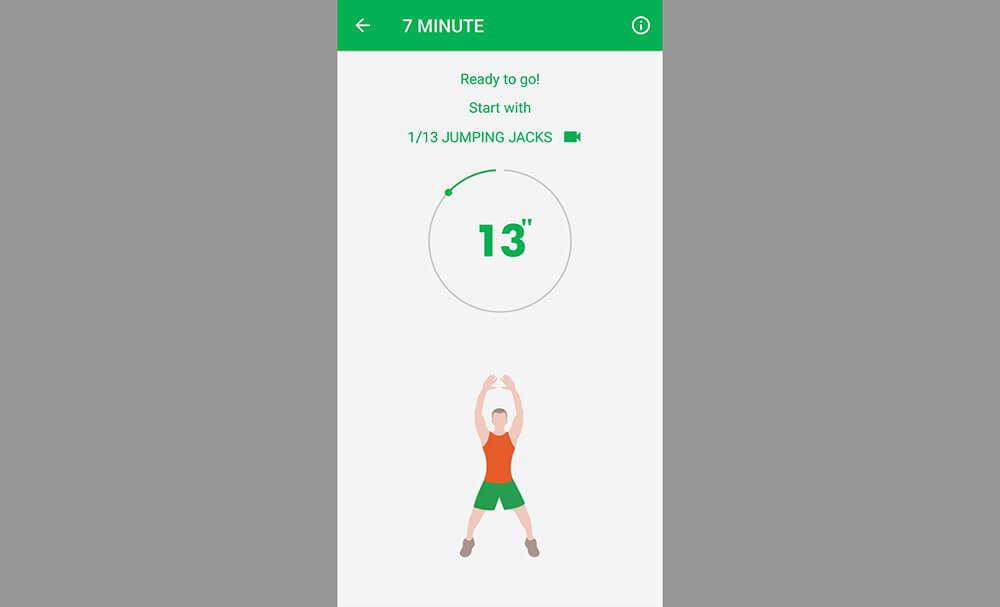
With as busy as most college students are, fitness often takes a backseat. This is a mistake, however, as regular exercise is essential to staying healthy and keeping your brain performing at its peak.
While there are thousands of ways to get exercise, we prefer to keep things simple (especially if you’re building an exercise habit).
And it doesn’t get much simpler than the 7 Minute Workout (Android | iPhone). The app guides you through each of the exercises, which are sure to help you work up a sweat. I don’t care how busy you are; you can always find 7 minutes to exercise.
Organization Apps
College brings with it a lot more responsibilities and commitments than high school. Keeping all of this organized can be a struggle, but it doesn’t have to be with these apps.
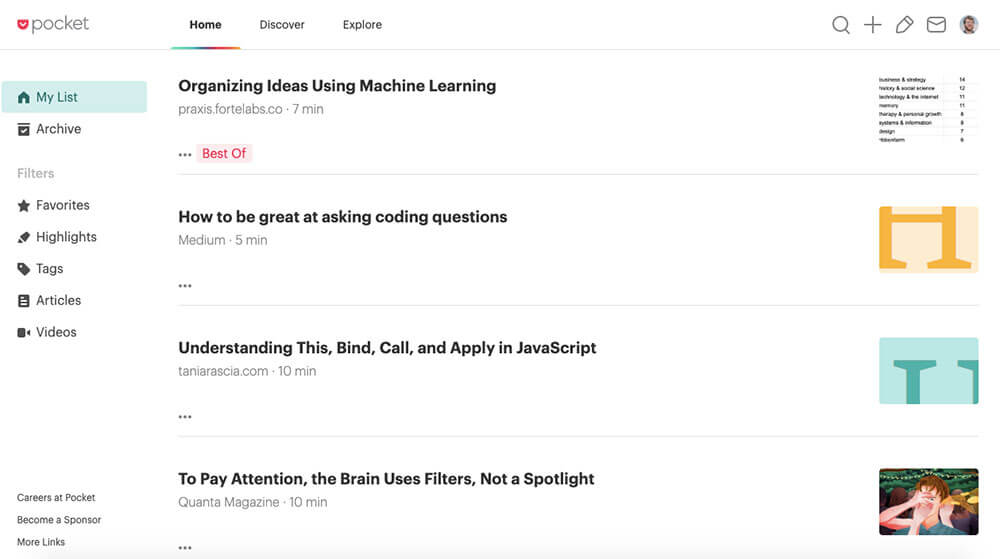
The internet is full of interesting articles, but you don’t always have time to read an article the moment you discover it. While you could bookmark the article for later, this gets unwieldy when you have more than a few articles saved. So instead, I recommend you use Pocket.
Pocket lets you save articles to read offline, stripping out all of the annoying ads and other junk. And if you get Pocket Premium, you can search all of the articles you’ve saved. This makes it super useful for research, as well as learning about new topics.
Dashlane
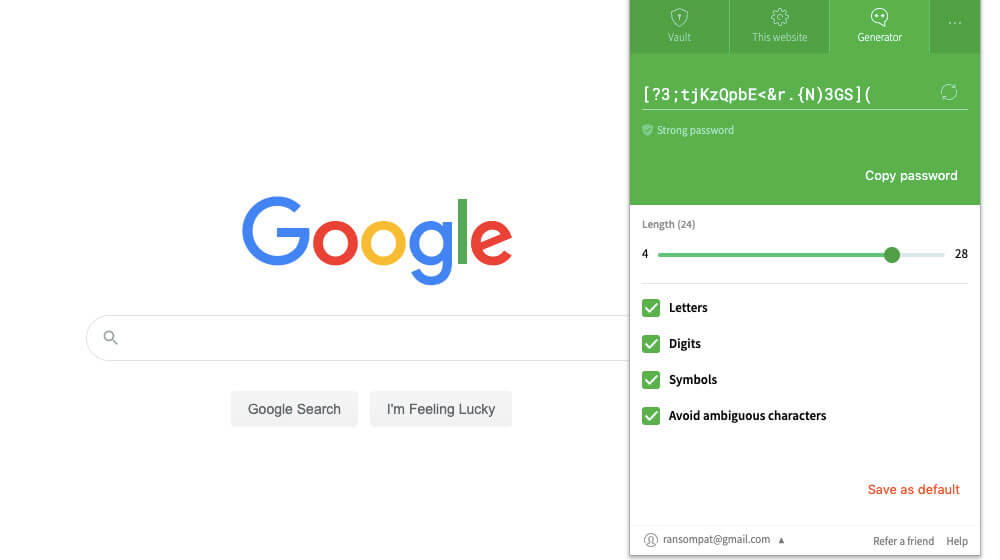
Long, complex, unique passwords are key to keeping your online accounts secure. But it can be difficult to remember even a couple of simple passwords, let alone dozens of long ones. To keep your accounts secure without having to remember a bunch of passwords, we recommend Dashlane.
With Dashlane, you only have to remember one “master password.” All of your other passwords are stored securely within Dashlane, and the app can automatically enter them into just about any website or app. Plus, Dashlane can generate a strong password each time you create a new account.
Backblaze
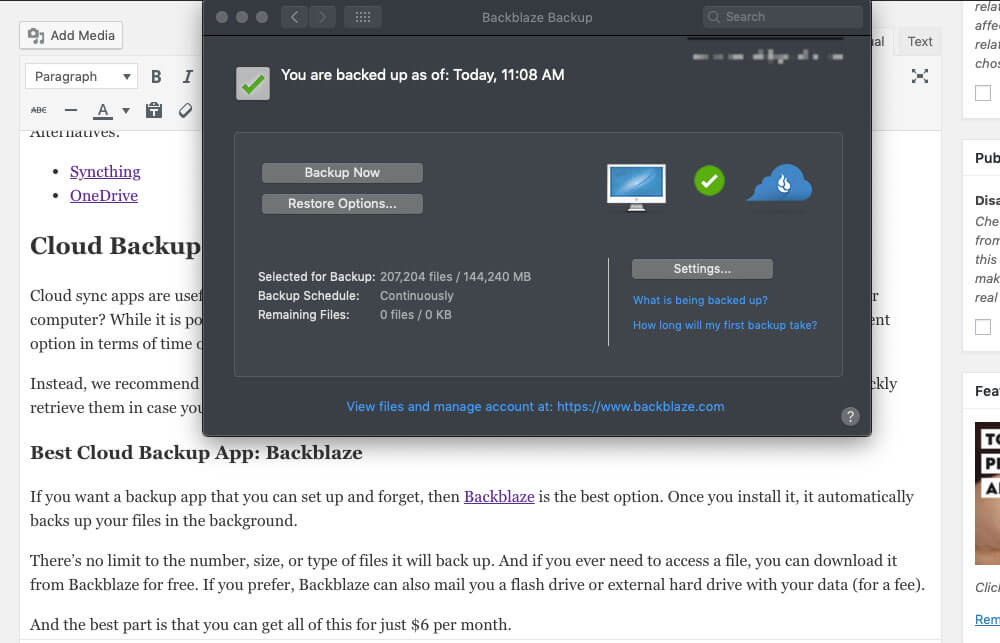
Computers these days are far more reliable than they used to be, but it’s still possible for your computer to crash or your hard drive to get fried. When this happens, you risk losing all of your data.
To prevent this nightmare, we recommend Backblaze. The app automatically backs up your hard drive to a secure server. If you ever need to retrieve your data, you can download it immediately. And if downloading isn’t an option, Backblaze can also ship you a hard drive with your data for a small fee.
Google Drive
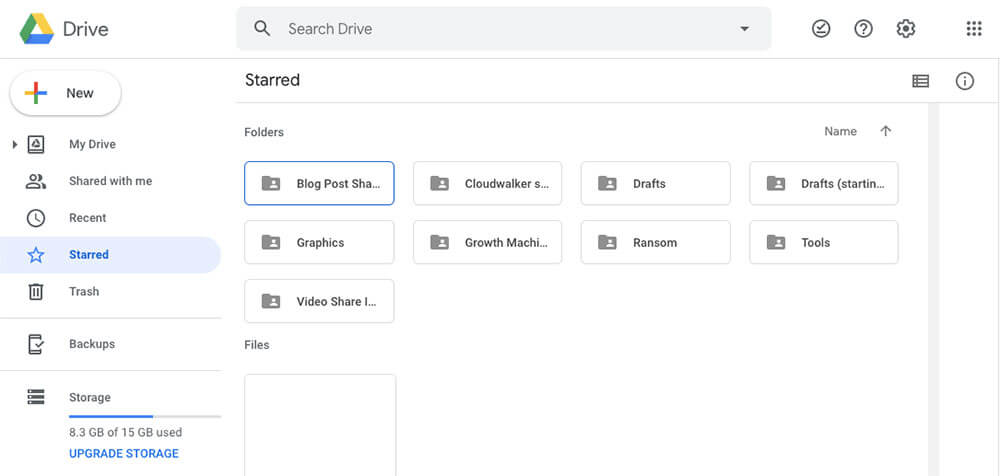
Have you ever gone to class to give a presentation, only to realize that you left your laptop in your dorm? If you use a cloud storage service like Google Drive, then such situations won’t be a problem.
Google Drive lets you store up to 15GB of data for free. This is enough for all of your homework assignments, projects, and plenty of photos. And not only can you store your files safely; you can also access them from any device with an internet connection.
Looking for more cloud storage options? Check out this comprehensive guide.
Evernote
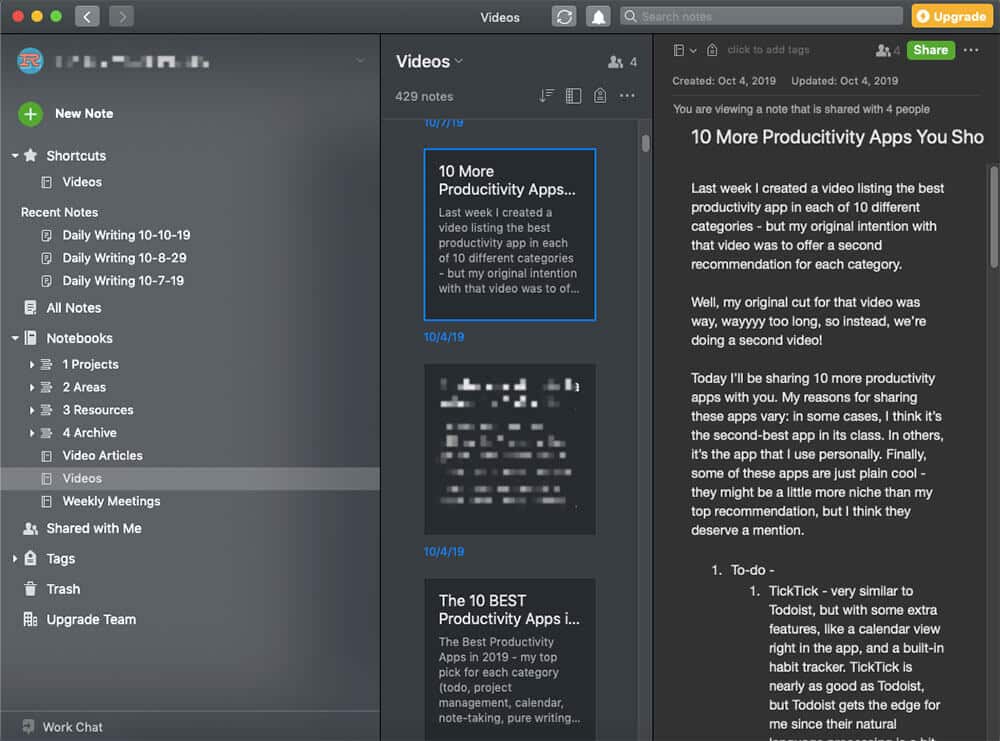
If you’re a student, then you probably spend a lot of time taking notes (and if not, you should).
While writing your notes in a physical notebook or a word document on your computer can work, it’s less than ideal. These methods make it difficult to search and review your notes when you’re studying for an exam, and you also run the risk of losing your notes if you misplace the notebook or your computer crashes.
Instead, we recommend you use Evernote. It’s a simple, powerful note-taking app that makes it easy to search and organize your notes. And if you prefer to take notes on paper, the Evernote app makes it simple to digitize your notes for later review.
Google Sheets
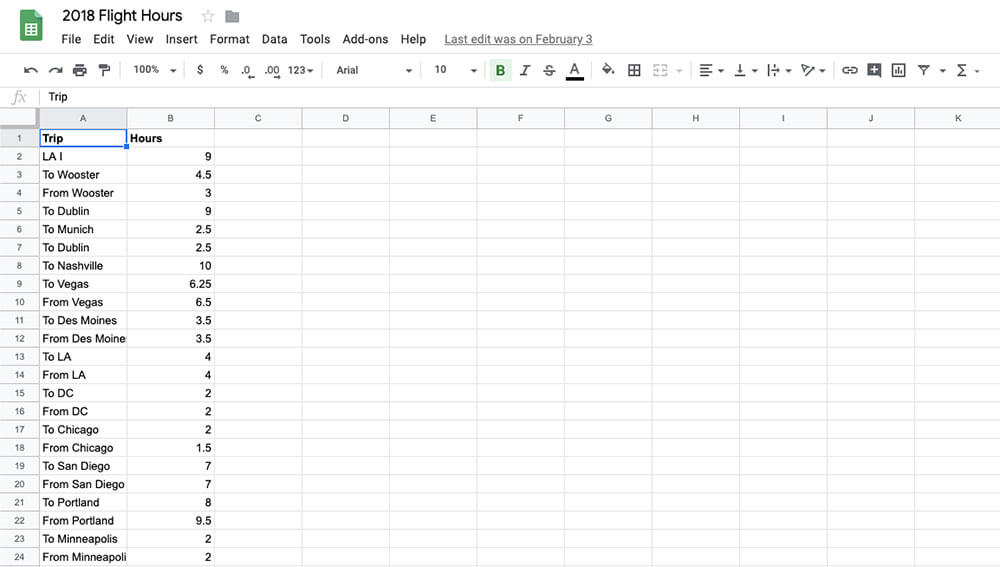
Even with all the other cool organization apps out there, we still find ourselves returning to the humble spreadsheet. Spreadsheets are useful for organizing and calculating all kinds of things, from a monthly budget to your GPA.
While Excel is still the preferred tool for complex statistical calculations and data analysis, Google Sheets is a simple, lightweight alternative that’s sufficient for most spreadsheet needs. Plus, Google Sheets are accessible across devices and allow you to collaborate with others.
Google Calendar
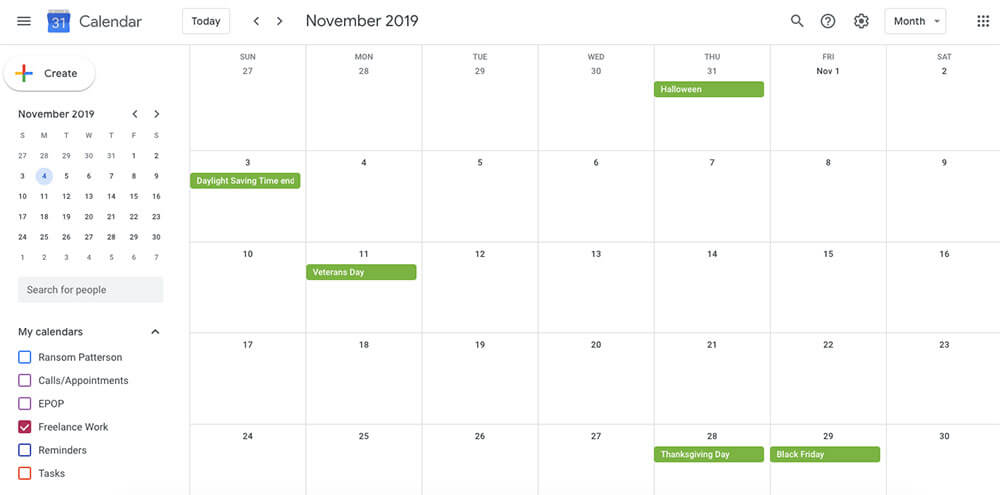
If I had to give just one piece of productivity advice, it would be “Use a calendar.” If you get in the habit of putting meetings, classes, appointments, and other events on your calendar, it will become so much easier to remember things and be on time.
There are many calendar apps out there, but Google Calendar is still our favorite. It’s simple, works across devices, and is great at reminding you of events. For most people, that’s all a calendar app needs to do.
Productivity Apps
The apps in the previous section are great at keeping you organized, but all the organization in the world is useless if you don’t do things. The apps in this section will help you do all the things (or at least most of them).
Todoist
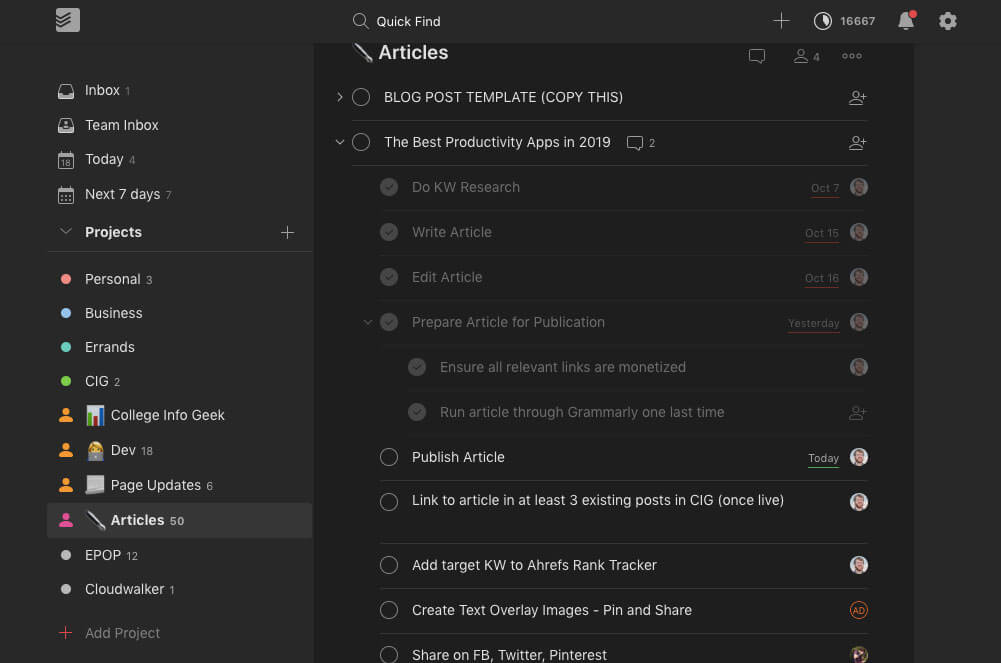
I said earlier that my number one piece of productivity advice is to use a calendar. A very close second to that is “Use a to-do list.” Your calendar will make sure that you’re where you’re supposed to be, but your to-do list will make sure you do what you need to do.
We’ve tried dozens of to-do list apps, and Todoist is still our favorite. It has a clean interface, works great on mobile, and makes it easy to organize your tasks.
In addition, Todoist has excellent natural language processing. This means that if you type something like “Walk my pet llama at 3 pm every day,” Todoist will turn that into a task without any extra work on your part.
Forest
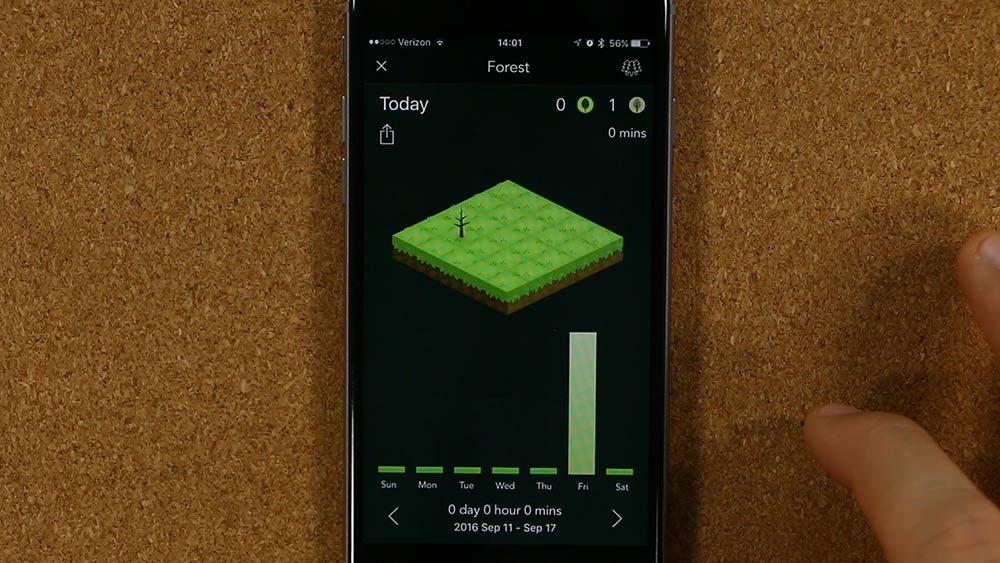
As amazing of a technology as smartphones are, they can also destroy your productivity. If you find your phone distracting you while you’re trying to study, then Forest offers a simple, fun solution.
At its core, Forest is a timer app…with a catch. Once you turn on Forest, the app will begin to grow virtual trees. As long as you don’t touch your phone while the timer is going, the trees will continue to grow. But if you pick your phone up, the forest will wither and die.
It sounds silly, but it can actually be really motivating, particularly because the trees grow into a larger forest the more you use the app. This offers a fun way to visualize your progress.
RescueTime
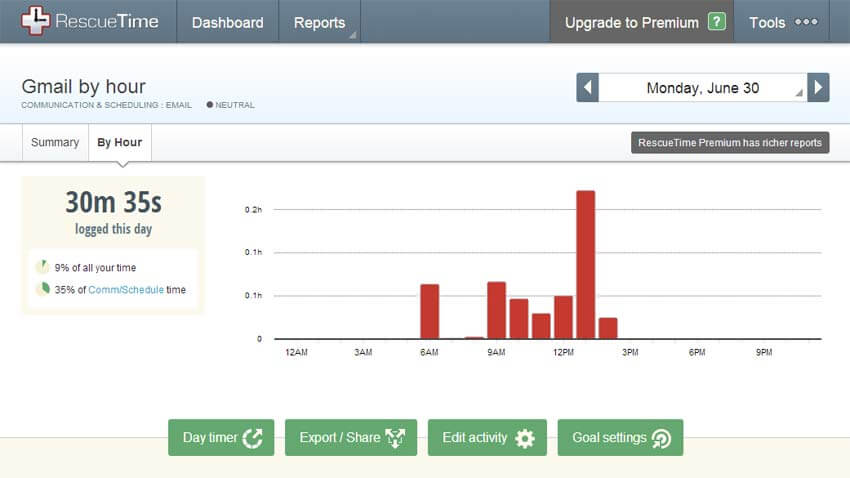
Do you know how you spend your time on your computer and phone? You may think you do, but I’m willing to bet you’re wrong. Most people vastly overestimate how much time they spend doing productive things and underestimate how much time they waste on social media, Netflix, and games.
RescueTime offers a simple way to take an honest look at how you spend your time on your devices. All you have to do is install the app and then forget about it. After a week or so, RescueTime will send you a report showing how you spent your time in the digital realm. The results will probably surprise you.
Freedom
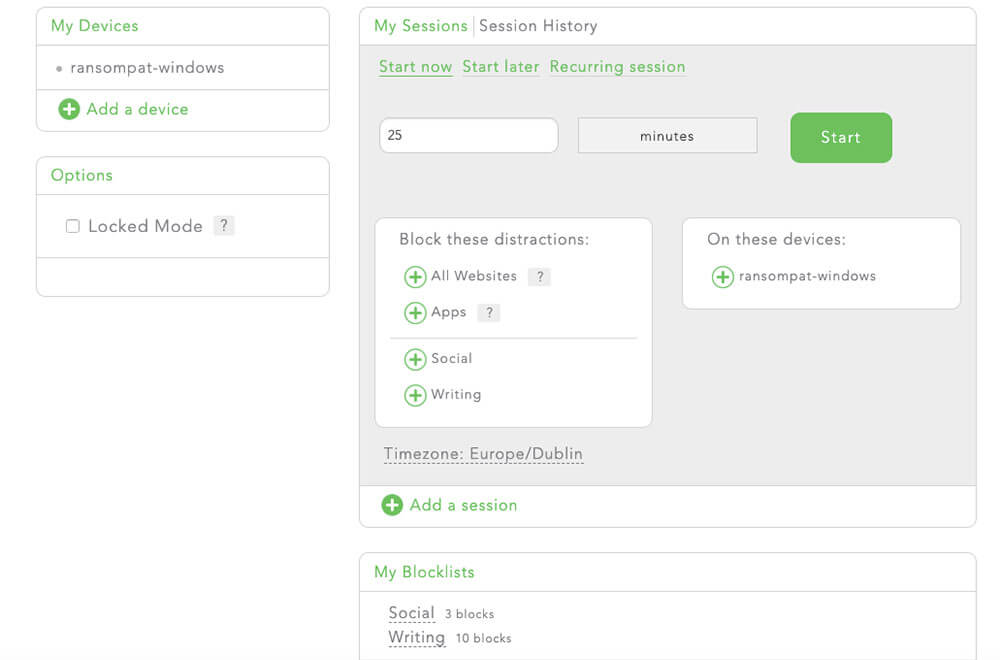
RescueTime is great for learning how you spend your time, but what can you do to change it? What can you do to spend more time on productive, fulfilling activities and less on empty, distracting ones?
Freedom is the answer. It lets you define a list of apps and websites to block. Once you turn the app on, you won’t be able to access any of the things on the list, no matter what you do.
It’s an extreme solution, but it can do wonders for your focus and productivity.
Scanbot
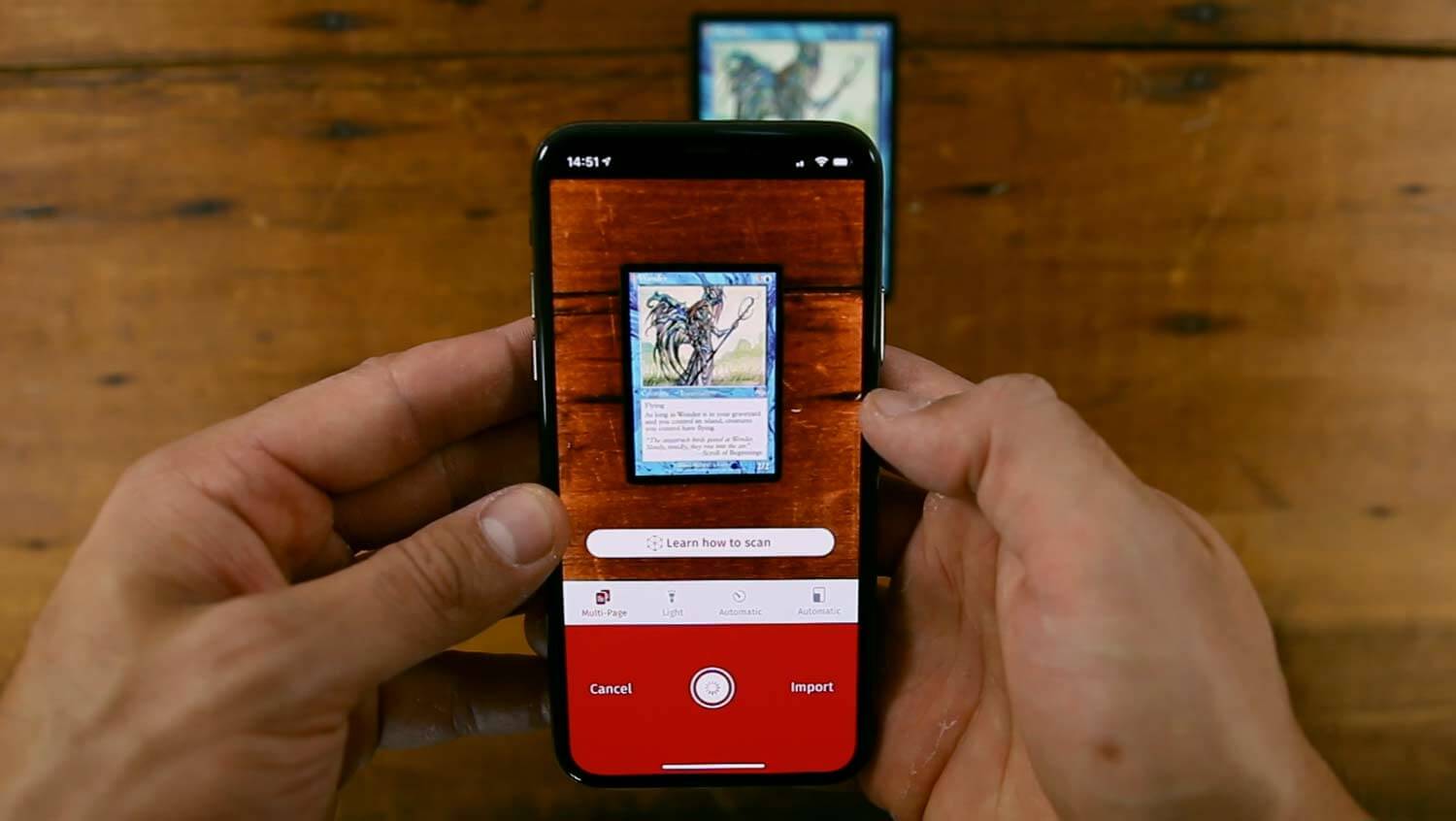
Are you still using a flatbed scanner to digitize documents? If so, then you’ll be delighted to learn that there’s an easier way.
With Scanbot, you can create high-quality scans using just your smartphone. Not only does this save you time and space, but it’s also a lot cheaper than investing in a dedicated scanner.
Brain.fm
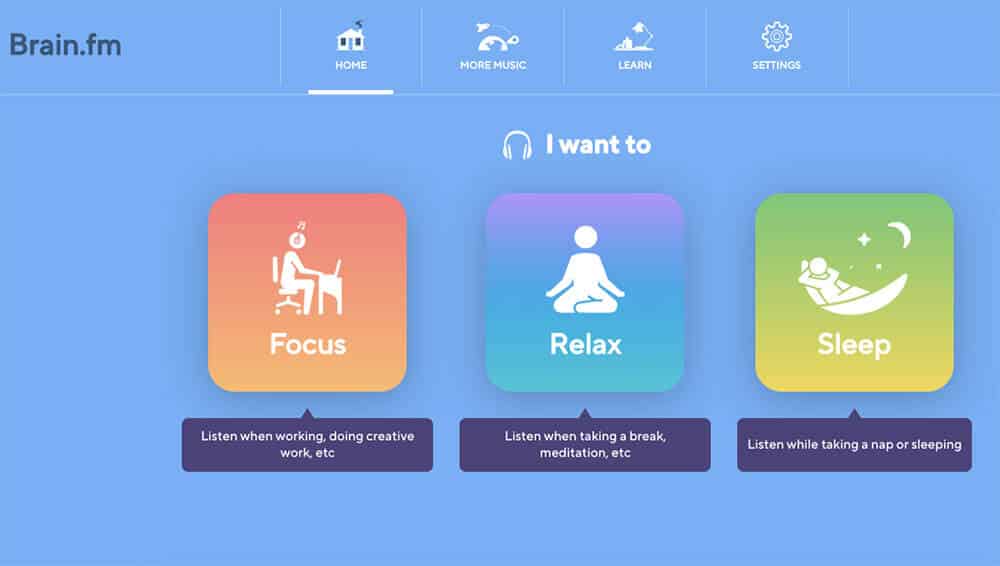
Magical study music created by robots? Okay, we were a bit skeptical when we heard about Brain.fm, but it’s proven to be a very effective tool for focusing and entering the flow state.
To use Brain.fm, just tell the app what you want to do (working, meditating, sleeping, etc.) and how long you want to do it. The app will then play instrumental music that’s specially designed to block out distractions. Sure, it might be a placebo effect, but we’ve still found it helpful.
Zoom
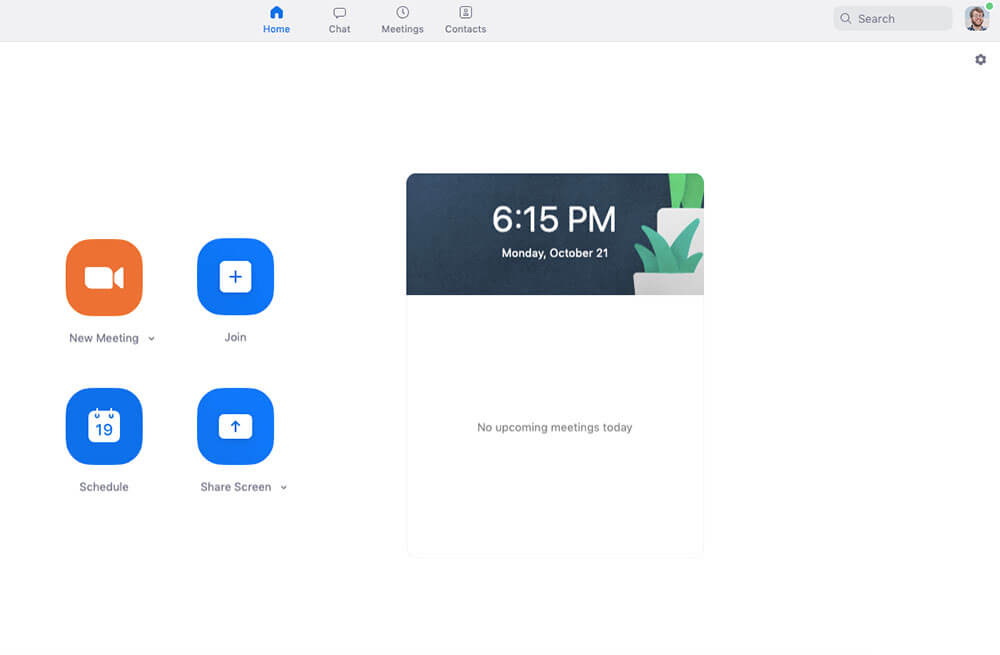
Video calling has advanced massively over the last few years, making it easier than ever to have conversations with people across the country and the world. If you’re still using Skype for video calls, then let us introduce you to Zoom.
Zoom is a lot like Skype, but better. In our experience, it’s far more reliable and much easier to use. And it excels when you need to do a video call with several people. The picture and audio quality are also superb.
Looking for more video chat apps? Here’s a comprehensive list.
My Study Life
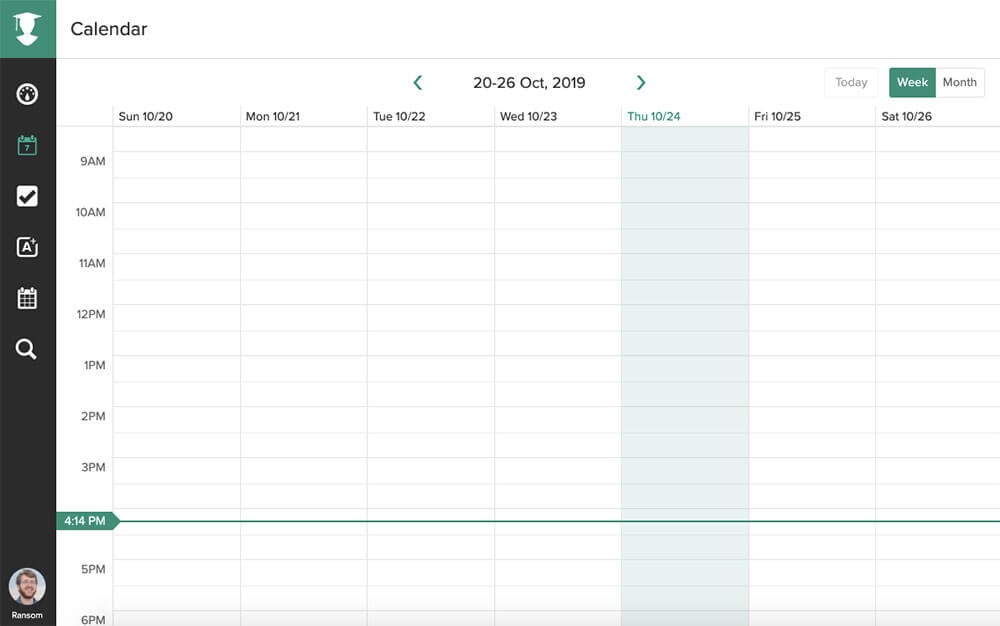
Is it a calendar, to-do list, or class schedule? My Study Life is all of the above (and more). If you’re looking for an all-in-one productivity app that’s built for students, My Study Life is the app for you.
It has all of the standard features you want in a calendar and to-do list, but it also includes features for scheduling exams, managing classes, and staying on top of homework. It even works offline, meaning you can use it in that lecture hall with spotty WiFi.
Money Apps
If you’re like a lot of students, college is the first time that you need to manage your money. If you’ve just gotten your first part-time job and need help keeping track of your cash, these apps will help you out.
Mint
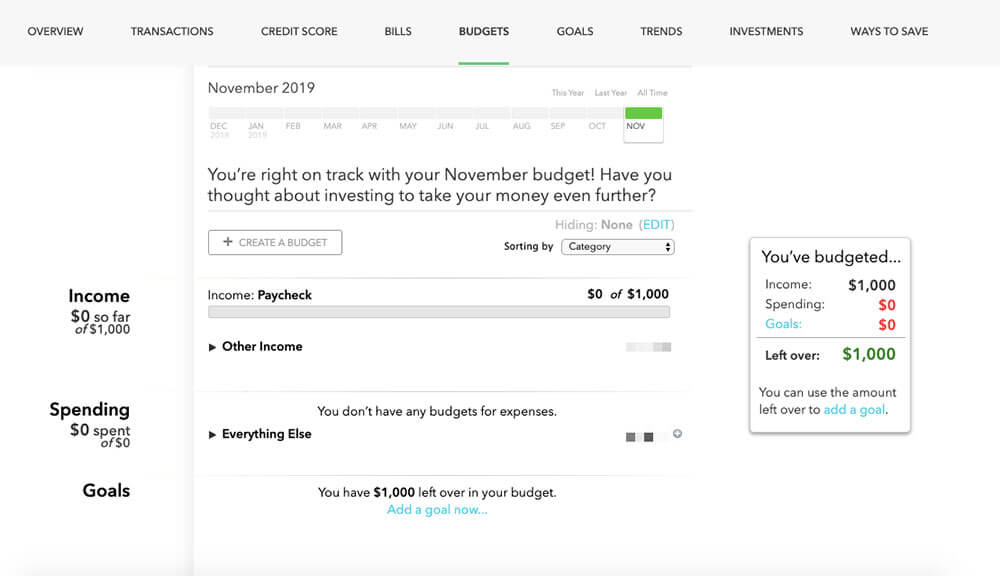
While you can absolutely make a budget with nothing but a spreadsheet, that method has some disadvantages. Mainly, you have to remember to update the spreadsheet, which is easy to forget with all of the other things you have going on.
To make it easy to manage your money, we recommend Mint. Mint synchronizes the info from your bank accounts, credit cards, and other financial accounts in one place.
And after you’ve used Mint for a few weeks, it can show you all kinds of useful data about how you’re spending your money and how to save. You can even create budgets and savings goals (not to mention look at all kinds of fun graphs and pie charts).
Betterment
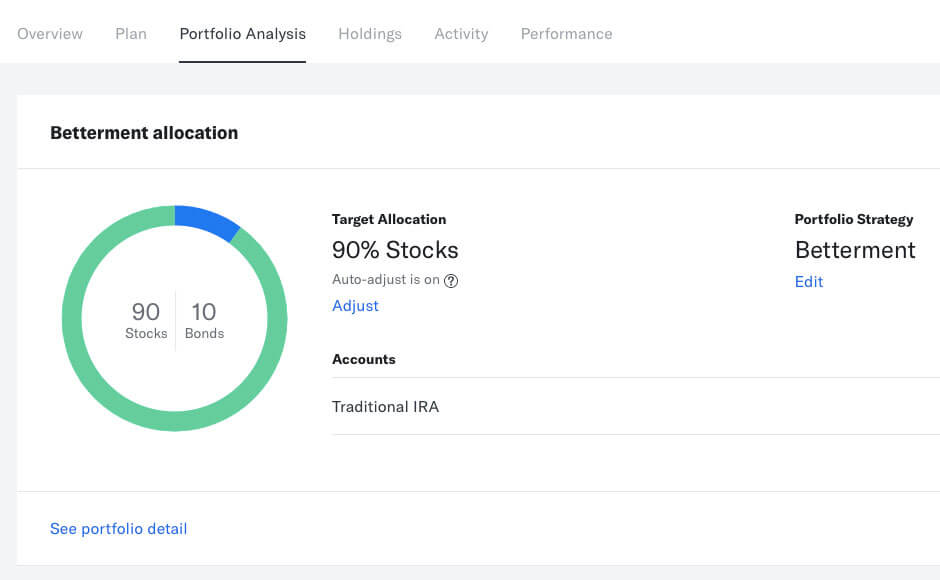
Using a tool like Mint is a great first step to ensuring that you aren’t blowing all of your money on stupid things. But once you’ve gotten your spending under control and are starting to save some cash, the next step is to put that money to work. That’s right: I’m talking about investing.
If you’re in college, then one of the easiest ways to get started investing is with Betterment. The app lets you invest in index funds (collections of stocks and bonds), and you can get started with as little as $1.
Want to learn more about how to start investing as a college student? Check out our investing guide.
Splitwise
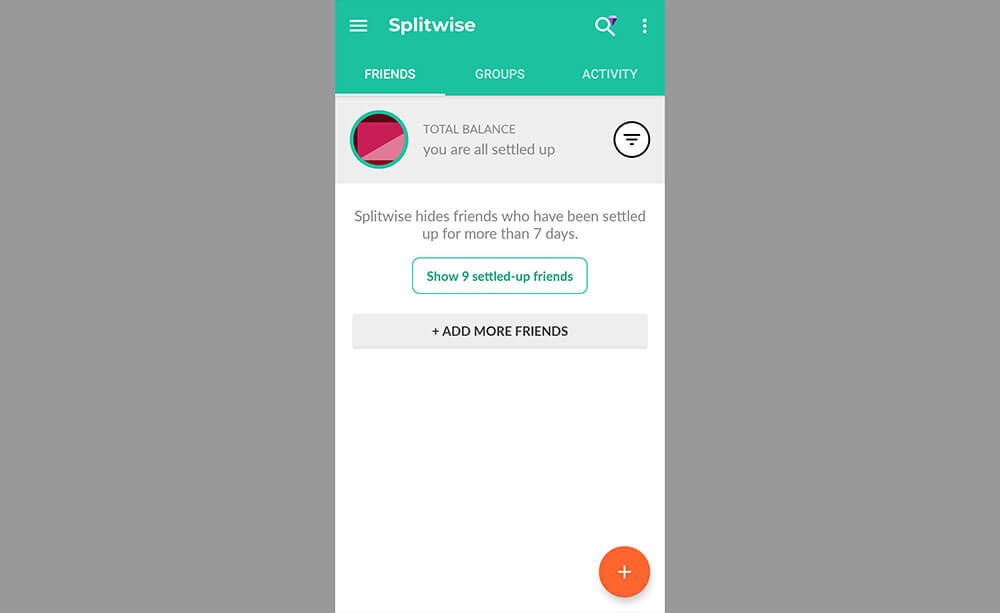
Once you move out of the dorms and start living in an apartment, you’ll likely have to deal with splitting expenses with your roommates. This could be anything from rent to utilities to that pizza you ordered during a late-night D&D campaign.
Apps like Venmo are great for sending money, but they’re not so great at keeping track of expenses or calculating how much each person owes. That’s why we love Splitwise.
All you have to do is enter the amount you need to split and the people you want to split it with. Splitwise will then calculate the amount and give you the option to pay using everything from Venmo to PayPal. Trust us, this will save you a lot of roommate drama.
College? There’s an App for That
We hope the apps in this guide will help make your college experience more productive and less stressful.
And as always, remember that you don’t need an app to succeed at college; everything on this list is just a tool. Use the tools that are helpful, and discard the ones that aren’t.
Looking for apps to stay organized and productive beyond college? Check out our guide to the best productivity apps.